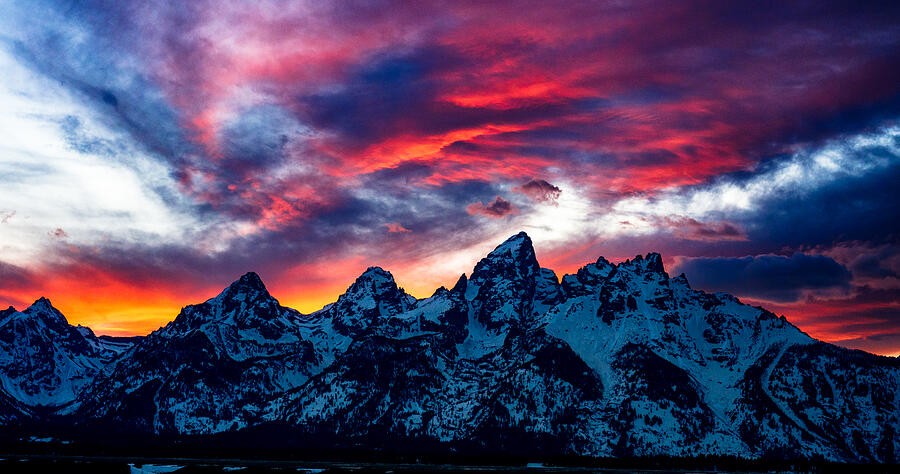
Landscape depth and scale: making a photograph feel spacious
Eight examples show how framing, overlapping planes, familiar objects, and viewpoint create a sense of three-dimensional space.
A photograph is flat, but viewers infer distance from overlapping forms, changing detail, familiar sizes, and differences in contrast. This lesson uses eight mountain and canyon images to make those cues deliberate. Focal length changes framing; perspective changes when the camera position changes. Keep that distinction in mind as you work through the examples.
1. Establish a near edge
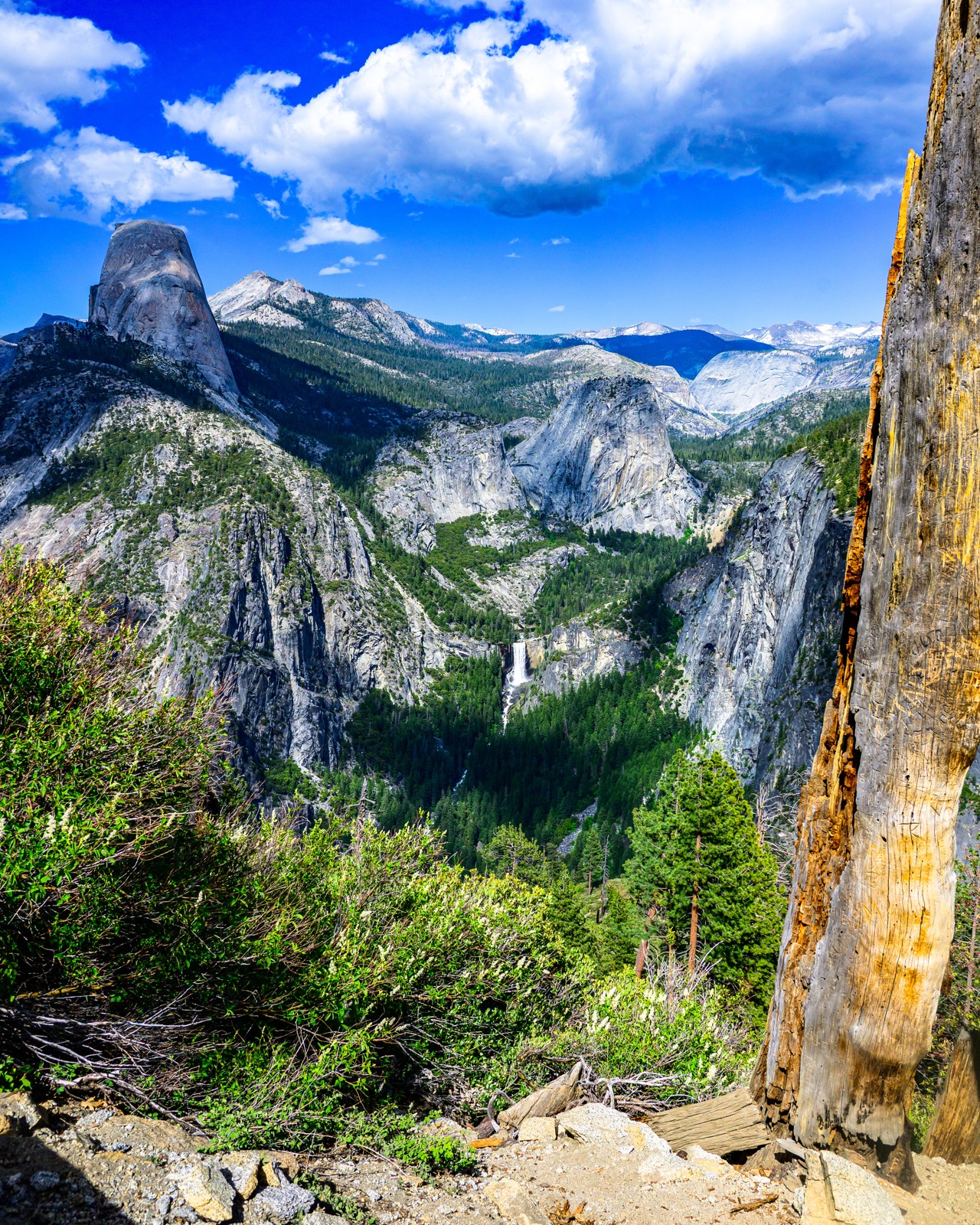
The nearby trunk forms an edge against the more distant granite and trees. It gives the viewer a close reference before the eye travels outward. Such a frame should help reveal the landscape rather than hide its most important feature. Compare the image with and without that near edge by changing the framing from safe footing. If the distant subject becomes clearer without it, do not keep a foreground simply because composition advice says to have one. Inspect focus and brightness as well as shape: an overly bright near object can overpower a landscape even when its outline is useful.
2. Leave a window between foreground shapes
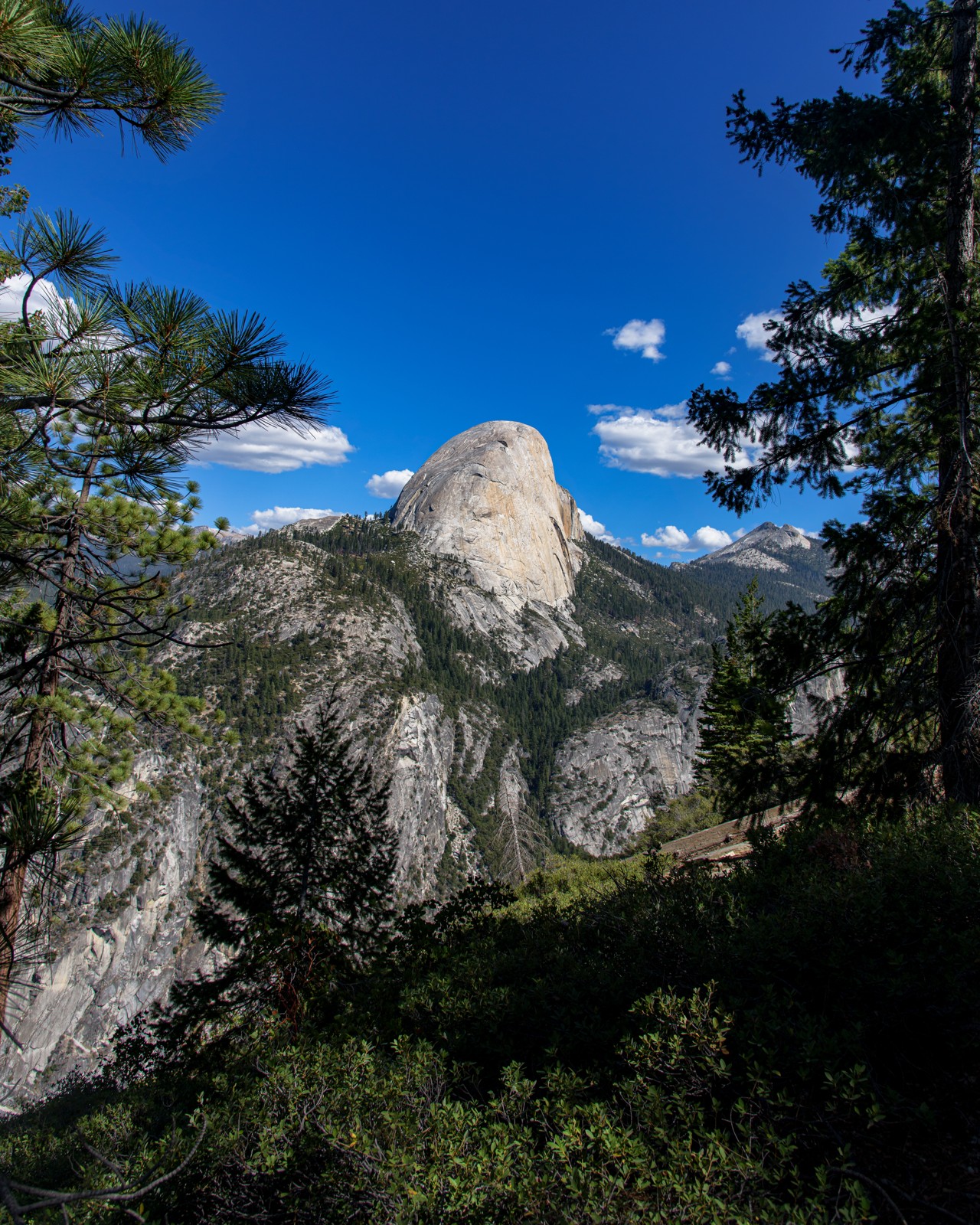
Dark trees create an opening around a sunlit granite form. The opening directs attention, while the trees establish proximity. Its shape matters: branches that barely touch the subject can create awkward tangencies, whereas a clean gap gives it breathing room. Move the camera slightly to test those relationships before changing lenses. Practice using two sides of a natural frame, then just one. The most enclosed version is not necessarily best. Check the top of the image too; a branch clipped at an unfortunate angle can become more noticeable than the distant view it was meant to support.
3. Use familiar objects to communicate size
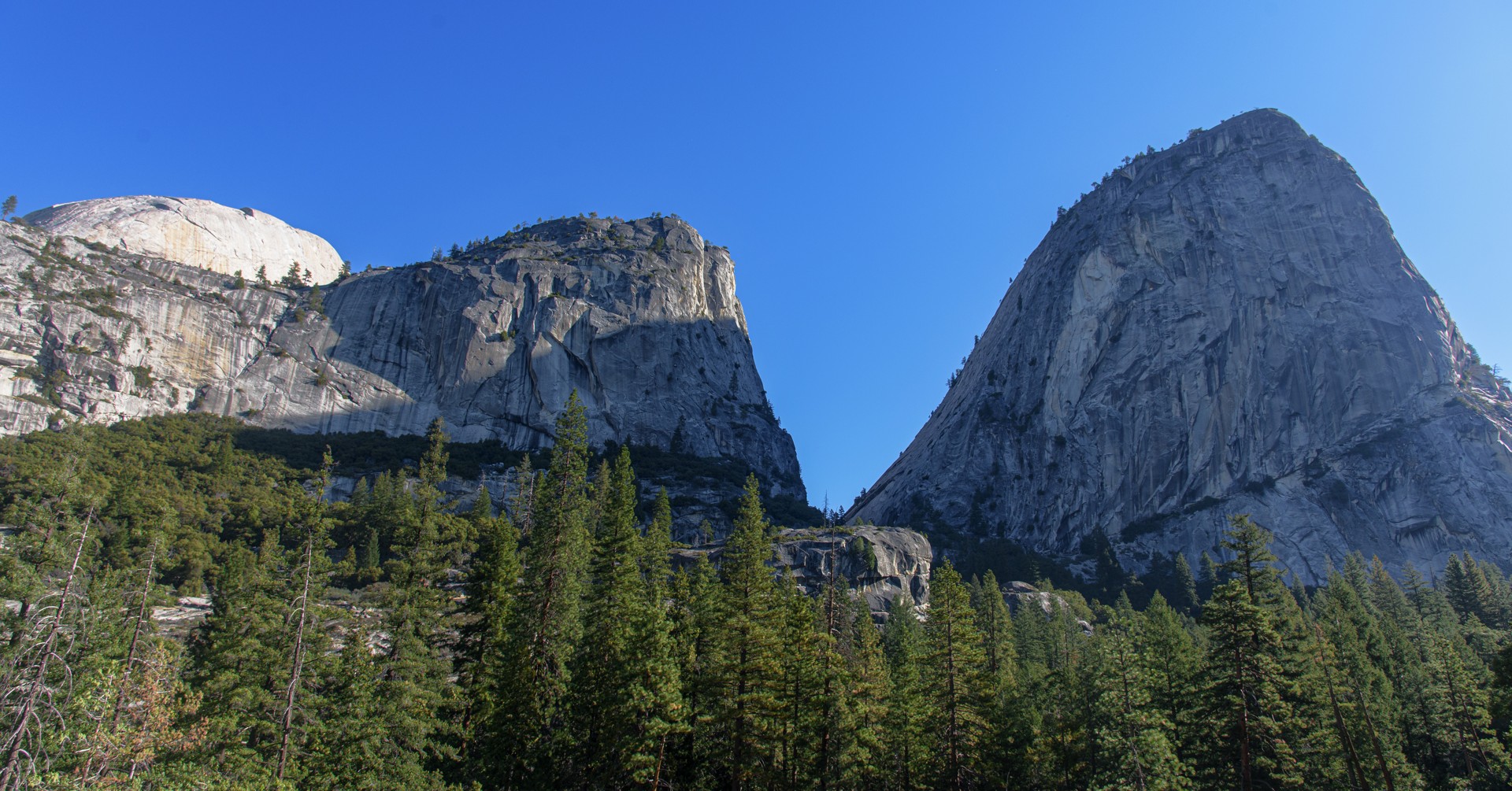
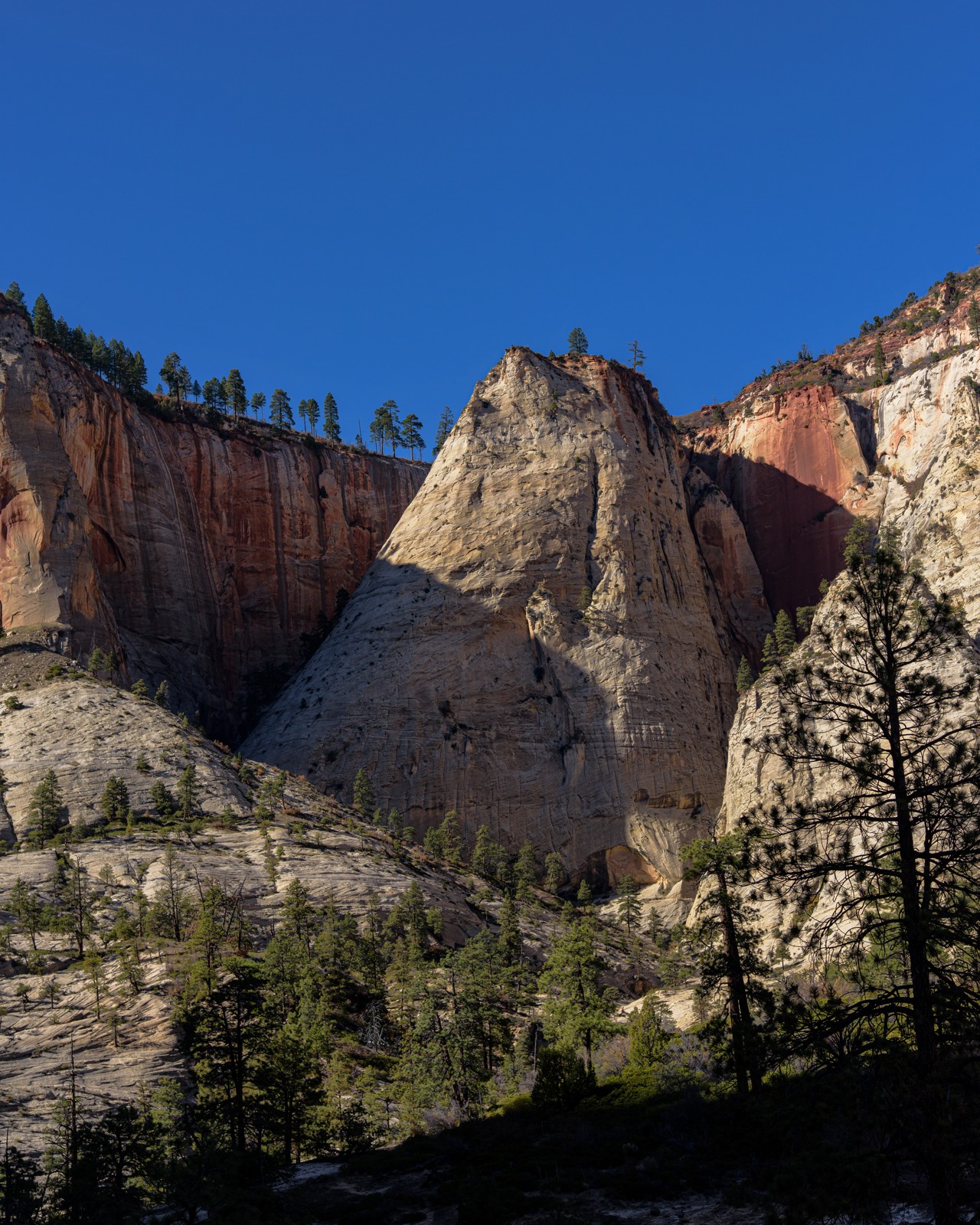
The conifers beneath the granite help the eye understand its scale. Without them, the rock might read as a smaller formation photographed closely. Familiar objects are useful only when they remain legible enough to serve as references. Include sufficient surrounding space to show their relationship to the main subject. Avoid assuming that a wider lens automatically makes a landscape feel larger; it can make distant mountains look smaller within the frame. Try two focal lengths from the same position, then compare a modest crop. Decide which preserves both the reference objects and the dominance of the rock.
4. Create a sequence of overlapping planes
Near trees, nearer rock, and distant formations overlap instead of sitting independently against the sky. Each overlap tells the viewer which form is in front. Look for places where two ridges merge into a confusing outline and consider whether a change in camera position can separate them. Exposure and editing should preserve distinctions between planes rather than make them equally bright. Practice tracing the order from closest to farthest in a print-sized preview. If the order is difficult to understand, identify whether the problem is overlap, similar tone, or an overly busy foreground before trying to fix everything with contrast.
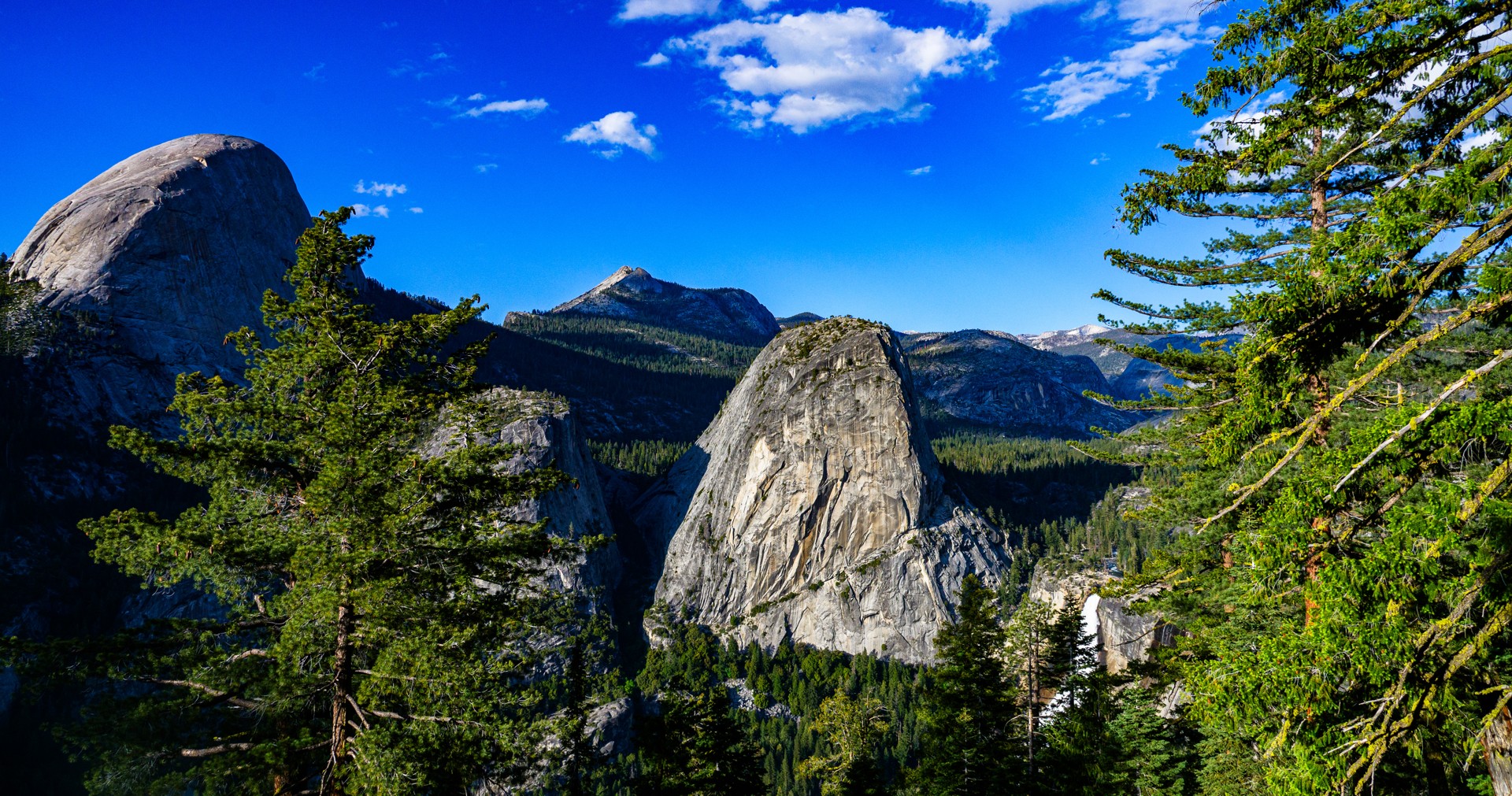
5. Let the land lead into distance
The sloping foreground and canyon opening provide a route toward the farther walls. A leading line need not be a road or trail; the shape of the land can do the work. Follow that route with your eyes and notice where it ends. If it leaves the frame without reaching the intended subject, reconsider the crop. For a similar scene, make one photograph with a generous foreground and one with less. Compare the sense of depth with the importance of the distant landscape. The foreground should earn its space by connecting the view, not simply occupy the lower third.
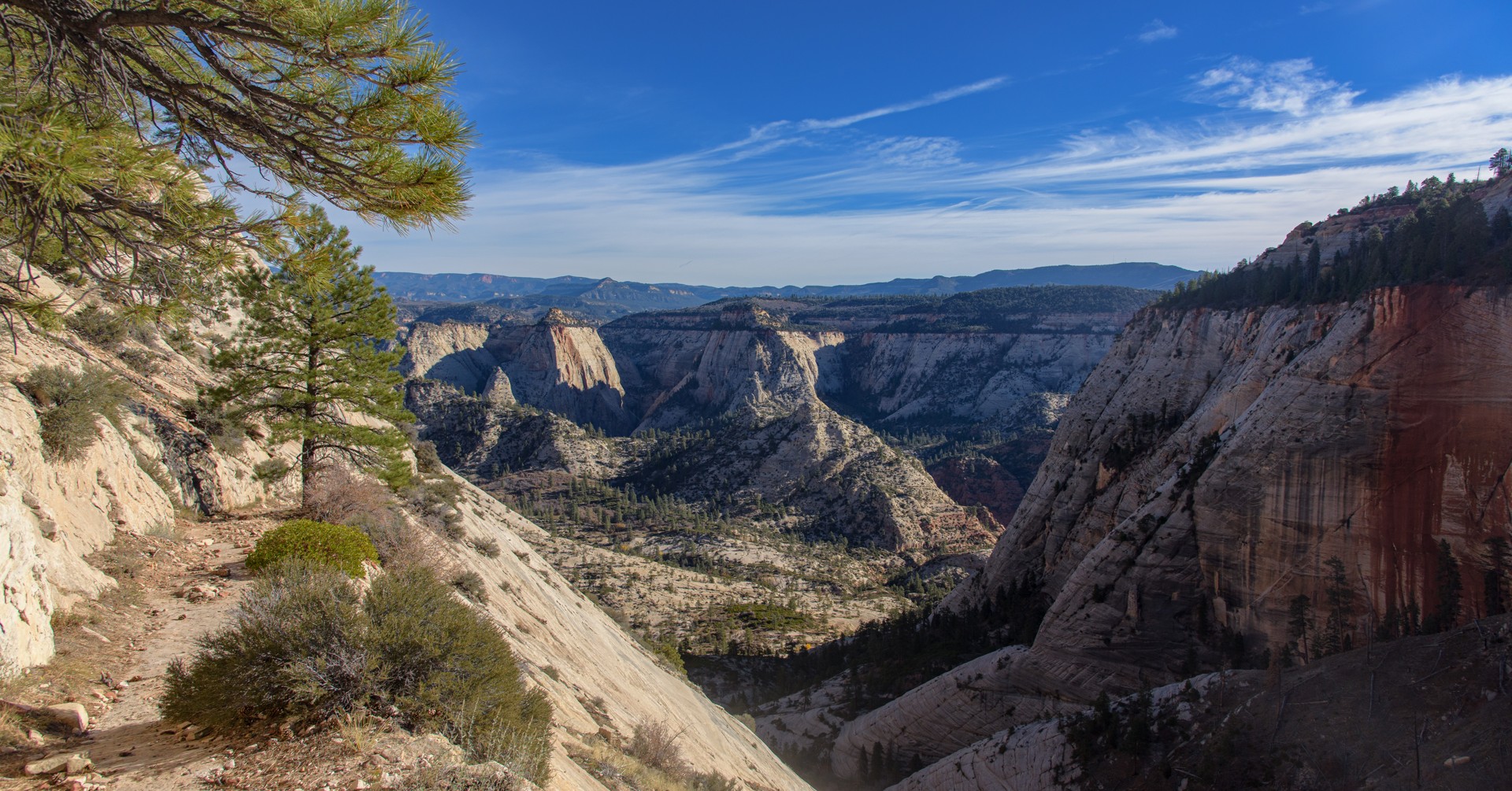
6. Preserve distance through tonal differences
The canyon walls change in brightness and contrast as they recede. Those differences can make depth apparent even where there is no close foreground. Heavy global contrast can merge shaded ridges into one dark mass, while aggressive shadow recovery can make every layer look equally close. Start by identifying which planes need separation. Apply small adjustments and compare at a reduced size, where overall relationships are easier to see. Do not infer an exact distance from color alone: light direction and the surfaces themselves also affect tone. Use the cue as part of a composition, not as a measurement.
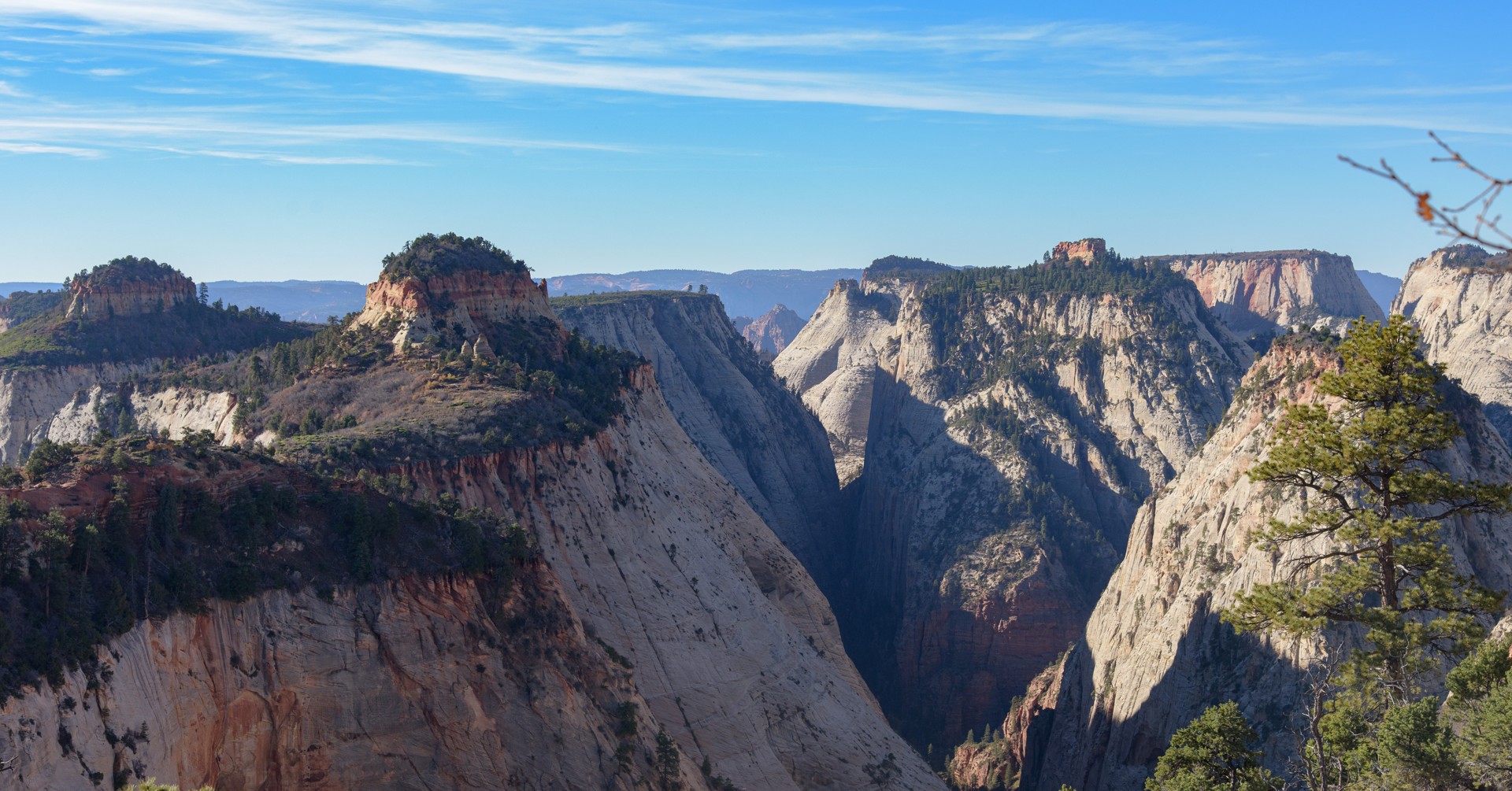
7. Understand viewpoint before changing focal length
The foreground trees and distant canyon show a strong near-to-far relationship. Zooming from one fixed location changes how much of that relationship fits in the frame, but it does not change the underlying perspective. Moving changes the relative alignment and size of near and far objects. Practice with a nearby tree from a safe trail: make two focal-length choices without moving, then change position slightly and repeat. Compare the overlap and relative sizes. This is more informative than treating a lens as automatically expansive or compressed. Never step toward an edge to obtain a textbook demonstration.
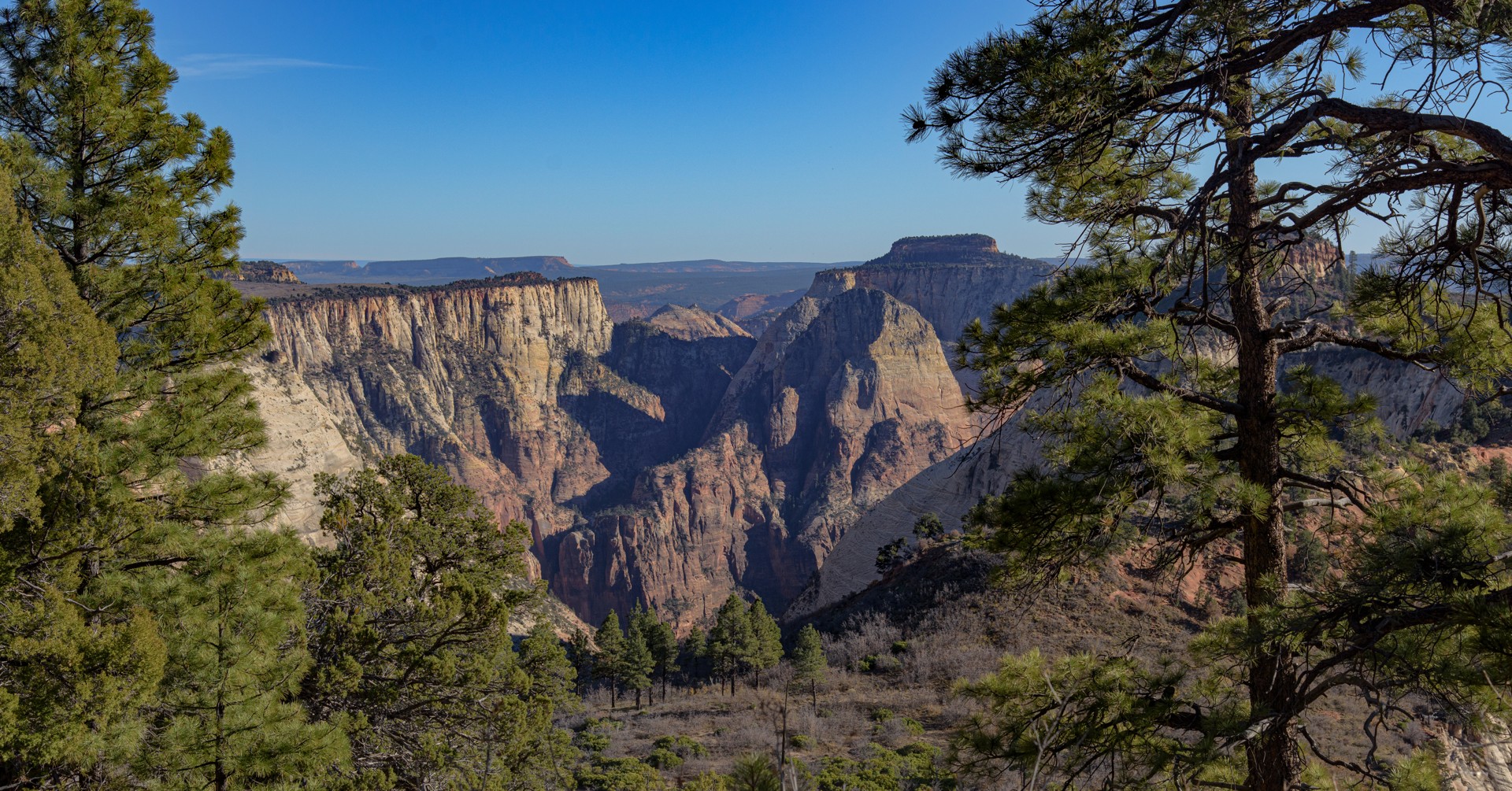
8. Balance enclosure with open space
The shaded foreground and tall rock faces create an enclosed entrance to brighter space beyond. The image needs both: too much enclosure can feel blocked, while removing it can make the view less dimensional. For your final crop, check each edge and identify its role as boundary, entry, or open space. Then review the image at thumbnail size and full size. At the smaller size, the spatial structure should remain understandable; at the larger size, important planes should have sufficient detail without harsh sharpening. Finish when the viewer can move through the scene naturally, not when every part is equally prominent.
Practice and review
Practice assignment: make four pairs of images from safe viewpoints—foreground/no foreground, clear overlap/merged overlap, familiar scale reference/no reference, and two camera positions. Keep notes on what changed. Select the pair with the clearest improvement and explain it using position, overlap, relative size, and tone rather than a vague claim that one lens is better for landscapes.