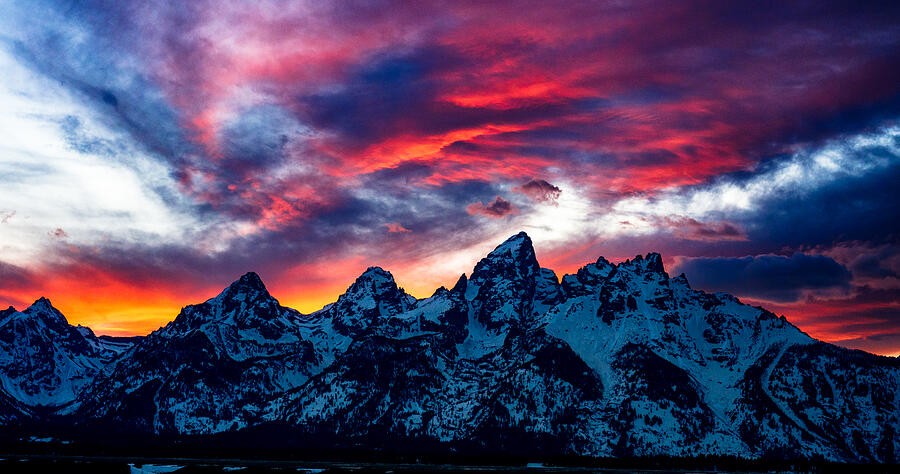
Cropping for different formats: keep the photograph’s purpose
Eight photographs help you compare aspect ratios, protect important edges and prepare a composition for a screen or print.
Try the frame.
Compare the space around the subject as the format changes.
Original proportions.
A different rectangle can change what a photograph is about. Work with virtual copies, compare the space around your subject, and keep the original composition available while you decide.
1. Start with the destination of the picture
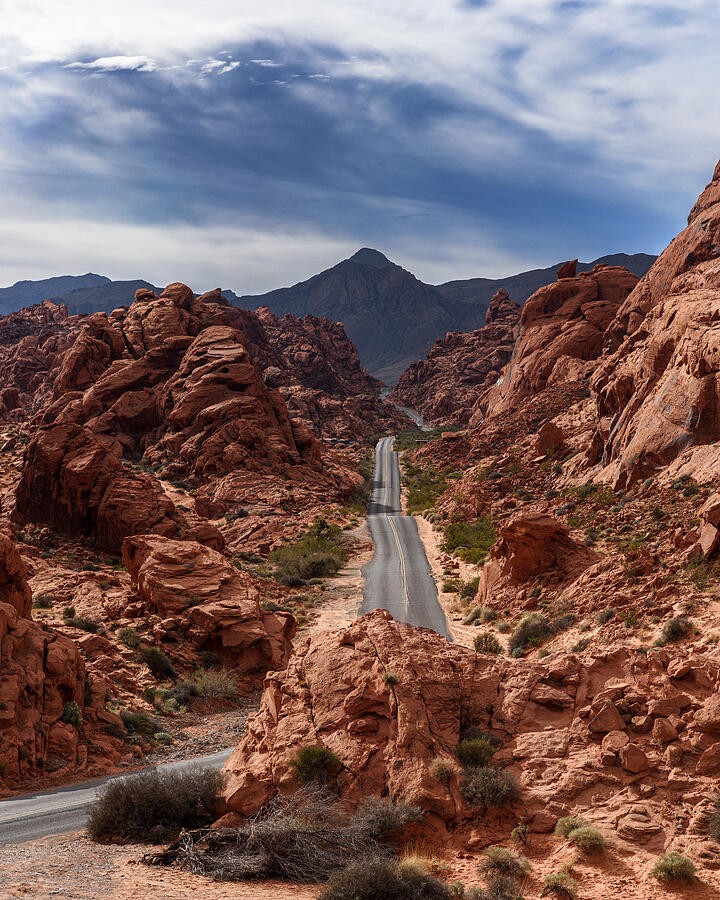
The road gives this frame a strong vertical direction. Before cropping, decide whether you are preparing a portrait print, a square card or a wide banner. Those shapes ask different things of the same photograph. Compare the full frame with a few target ratios and watch how the road enters from the bottom. Keep a version of the original composition so you can return to it. A crop is a decision about emphasis and shape; it does not need to become a permanent change to the source file.
2. Preserve breathing room around an isolated subject
The Moon sits inside a surrounding glow and clouds. A tight square can make the central subject more immediate, while a looser frame gives the surrounding atmosphere a larger role. Inspect the spaces above, below and beside the Moon before accepting a centered crop. There is no rule that every subject must sit on an intersection or exactly in the middle. Choose the balance that supports this finished image, then compare it at the size where people will actually see it. Avoid judging the crop only while zoomed in.

3. Decide whether the reflection is essential
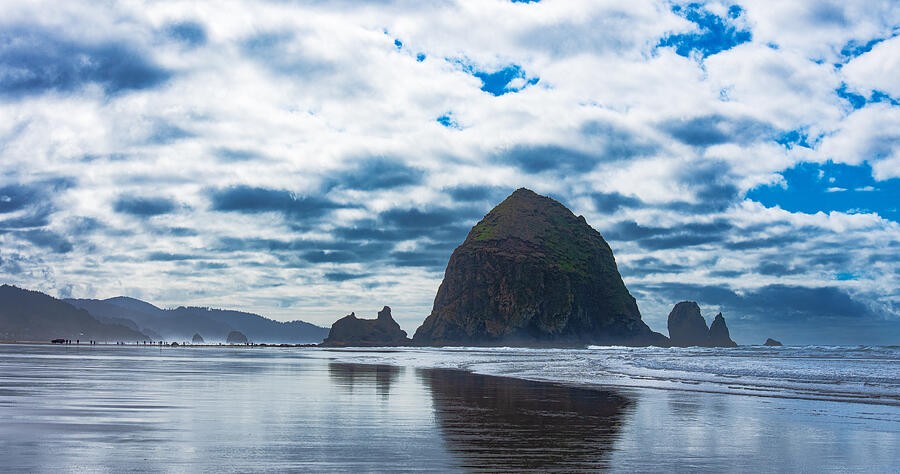
Haystack Rock and its reflection create a relationship between the upper and lower parts of the photograph. Cropping away much of the wet sand changes that relationship, even if the rock itself remains intact. Try a wide version and a taller version. In each, describe what the reflection contributes: symmetry, texture, an entry into the scene, or a quieter foreground. If you keep it, leave enough room for it to read clearly. If you remove it, make the remaining frame feel intentional rather than accidentally truncated.
4. Check the opening as well as the arch
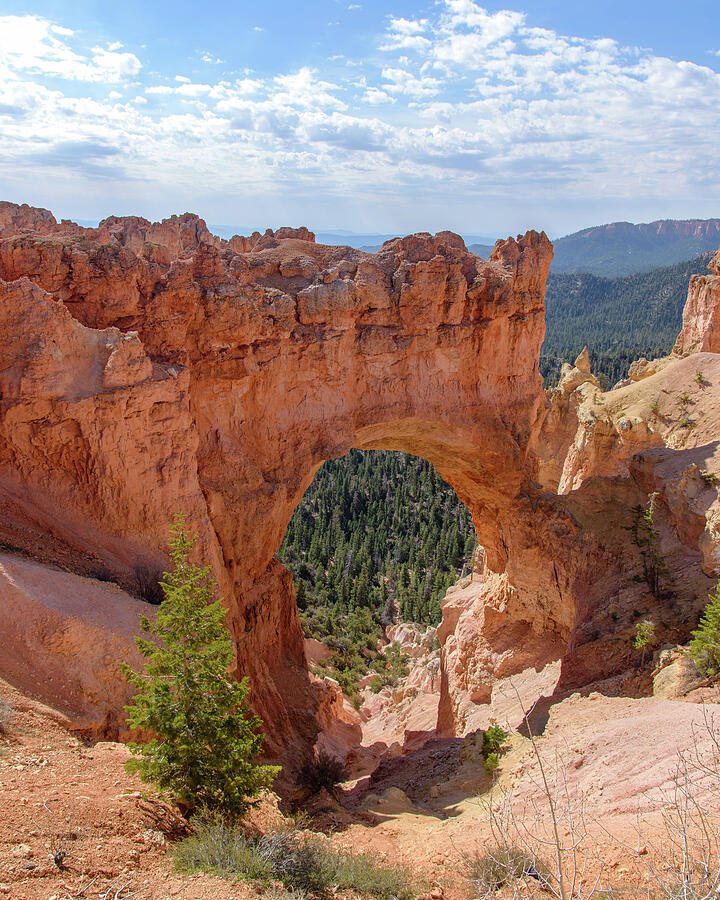
The arch contains a second composition inside its opening. A crop can preserve the outline of the rock yet squeeze the landscape visible through it. Examine both boundaries. Watch for small bright fragments at the edge of the frame and for branches that become awkwardly cut. Move the crop in small increments, then reset and compare. The strongest version may keep more of the original than you expected. Removing visual competition is useful only if the crop still retains the relationship that made the photograph interesting.
5. Use a wide frame for a reason
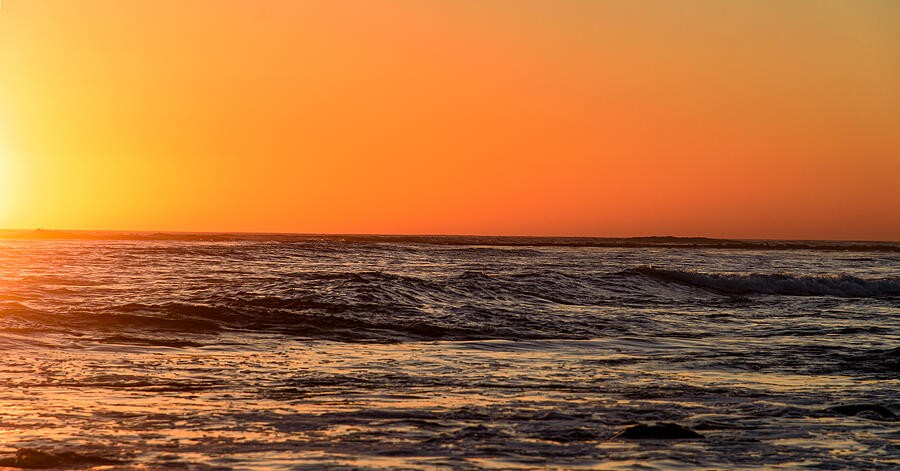
The ocean and orange sky form broad horizontal bands. A panoramic crop can emphasize that rhythm, but it also reduces the room above and below the horizon. Ask what you gain beyond a fashionable shape. Does the color transition become clearer? Does the water retain enough texture to anchor the sky? Keep the horizon level and inspect the corners after any rotation. Straightening changes the usable edges, so finish that adjustment before making a tight final crop. Avoid stretching the photograph to force it into a different ratio.
6. Protect the foreground that gives the landscape depth
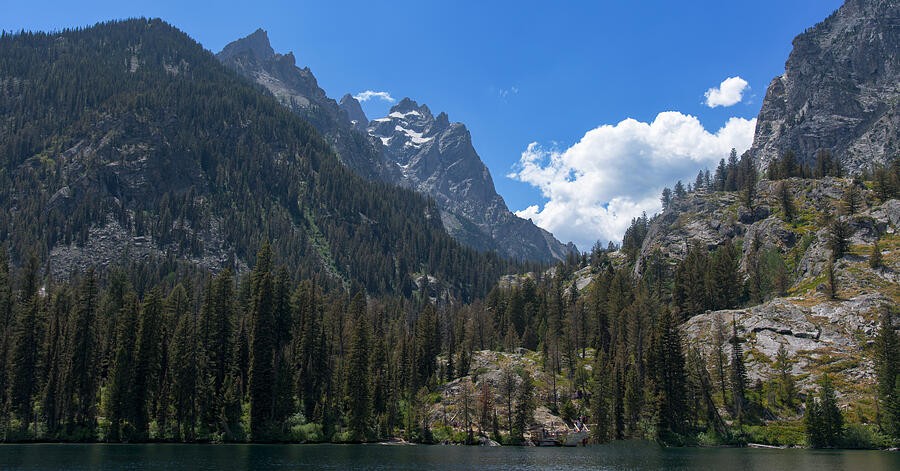
The quiet lake sits between nearby trees and the mountain wall beyond it. Compare a crop that keeps the water with one that concentrates on the peaks. They tell different stories: one places you beside the lake, while the other emphasizes the high country. Neither needs to win automatically. Keep the foreground if it connects the layers; remove it if it becomes an empty strip. At thumbnail size, trace the route from the nearest edge into the distance. A useful crop makes that route easier to understand.
7. Match the final proportions before ordering
The coastal cliffs make a tall frame feel natural, but a square or a landscape product will keep different parts of the scene. An 8 × 10 rectangle has a 4:5 ratio; 12 × 18 has a 2:3 ratio. Those are different shapes even though both are familiar print sizes. Preview the exact product ratio and check what happens to the water, trees and edges of the cliffs. If the composition loses something essential, choose another size or a supported border option rather than accepting an accidental crop.

8. Separate framing from output resolution
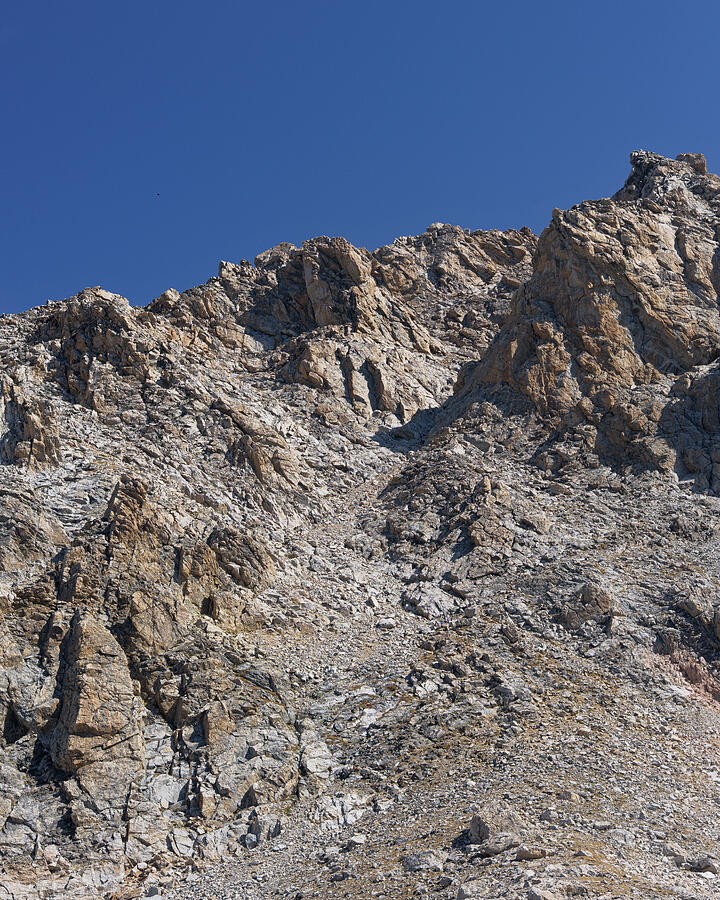
The ridge has small details that can look convincing in a website preview but still need inspection in the original file before a large print. Cropping removes pixels, so check the dimensions of the final export as well as its composition. For a concrete calculation, 3,000 pixels spread over 10 inches gives 300 pixels per inch. That calculation describes sampling density, not a universal quality guarantee. Source sharpness, processing, material and viewing distance also matter. Use the actual full-resolution file and the printer’s requirements when making the final decision.
Practice, compare, explain
Pick one photograph and make three virtual copies: the original ratio, a square and one intended print ratio. Write a sentence describing the purpose of each. Check the edges, the subject’s breathing room and the relationships you removed. Review all three at thumbnail size, then inspect the original-resolution file before preparing a print. Keep the source untouched. The winning crop is the one that serves its destination while retaining the reason you made the photograph.